

Best AI UGC Video Editors for Marketing Agencies

Introduction
The UGC video revolution isn't coming anymore. It's already here.
And for good reason. User-generated content performs like nothing else in the marketing playbook. UGC videos get 10x more views than branded content on YouTube. They drive 4x higher click-through rates on ads. They cost 50% less to produce than traditional campaigns. And consumers trust them 2.4x more than polished brand material.
The problem? Real UGC is chaotic. Sourcing creators takes weeks. Managing rights takes longer. Inconsistency is constant. Scaling it properly requires hiring a team that costs more than your ad budget.
That's where AI UGC video editors come in.
These platforms let marketing agencies generate authentic-looking UGC videos—product demos, testimonials, reviews—in minutes instead of weeks. No actors. No expensive shoots. No rights negotiations. Just plug in a product URL, pick your tone, and watch the AI do the heavy lifting.
But not all AI UGC editors are created equal. Some are speed machines that sacrifice quality. Others nail authenticity but move like molasses. Some integrate cleanly into agency workflows. Others require workarounds that make your team want to quit.
This guide breaks down the real winners—the platforms that actually work for marketing agencies building serious creative operations.
What Makes a Good AI UGC Video Editor
Before we dive into specific tools, let's agree on what matters for agencies.
The Authenticity Question
Your UGC videos need to feel like real customer testimonials. Not corporate. Not scripted. Not like an AI avatar that looks plasticky and sound like a robot reading Wikipedia.
The best AI UGC editors nail this by using avatars that look human (not eerily perfect), scripts written in first-person conversational language, and natural-looking backgrounds. Poor ones look like a made-for-TV infomercial, which defeats the entire purpose of UGC.
Integration and Workflow Fit
Agencies work with multiple tools. Your video editor needs to play nicely with your project management software, asset libraries, brand kits, and ad platforms. You don't want to export a video, then manually upload it to three different places, then re-enter all the metadata.
The best platforms let you create once and push to TikTok, Instagram, and Facebook ad managers in one click. They remember your brand colors, fonts, and voice preferences. They handle batch creation so your team can test 20 video variations without manually tweaking each one.
Speed Matters (But Not at Any Cost)
Agencies live on velocity. You need to test creative fast, see what works, and scale the winners. A 30-minute rendering time kills this workflow. So does a 7-step process to configure a simple video.
Look for platforms where video generation takes 2-7 minutes. Where setup is streamlined. Where iteration doesn't feel like punishment.
Cost Per Video (And How It Scales)
The best AI UGC editors are priced predictably. No surprise overages. No per-export fees that make batch testing prohibitively expensive. Agencies testing 20 video variations should pay roughly $99, not $7,500.
.png&w=3840&q=75)
The Top AI UGC Video Editors for Marketing Agencies (2026)
1. Invideo AI
Best for: E-commerce brands, product videos, multi-format content
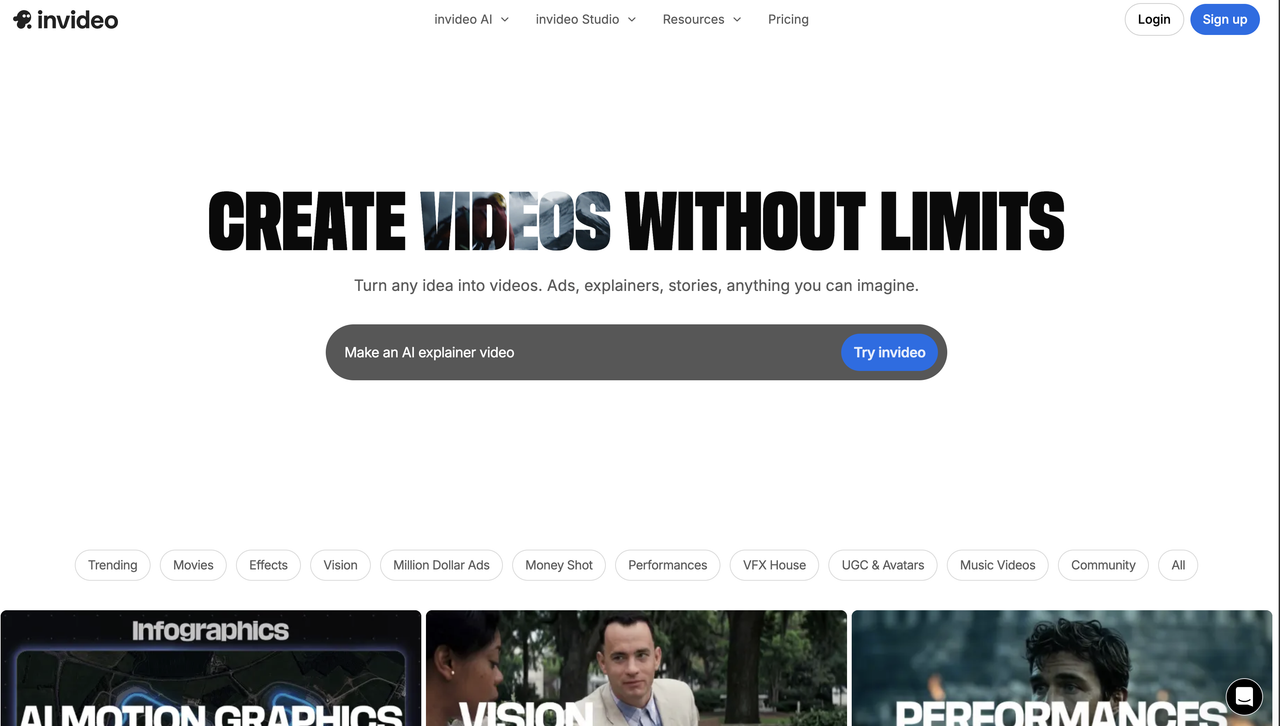
Invideo AI is the Swiss Army knife of UGC video creation. It's not exclusively built for UGC, It does explainers, testimonials, product demos, you name it. But it does UGC exceptionally well.
Why Agencies Love It
Massive avatar library. Invideo gives you access to realistic AI actors across multiple demographics, ages, and styles. This means you can test different presenter personas without manually creating new scripts from scratch.
Product integration. Paste a product URL, and Invideo's AI analyzes your product details, pulls images, and generates multiple video angles automatically. It's not as polished as pure-play UGC tools, but it works.
Flexible editing. After generation, you get a full video editor. Trim clips. Add music. Overlay text. Adjust voiceovers. This matters for agencies because not every generated video ships as-is. You need tweaking room.
Decent pricing model. Plans range from free (4 exports per week with watermark) to Plus ($25/month) to Max ($60/month). The Max plan gives you 200 minutes of AI generation per month, unlimited exports, and no watermark—reasonable for an agency producing multiple videos daily.
The Trade-offs
Invideo's avatars are more "corporate presenter" than "authentic customer." The scripts it generates default to a slightly polished tone. If your brand specifically needs the lo-fi, scroll-stopping authenticity of genuine TikTok UGC, Invideo gets you 80% there but not 100%.
It's also a generalist tool. That means it's juggling 100 features when some competitors laser-focus on just doing one thing perfectly.
Real-World ROI
An agency testing 10 product video variations with Invideo would spend roughly $25-60 for the month. With traditional production, that same test costs $7,500-10,600. The math is brutal in favor of AI.
2. Tagshop AI
Best for: Performance marketers, UGC purists, agencies obsessed with testing velocity
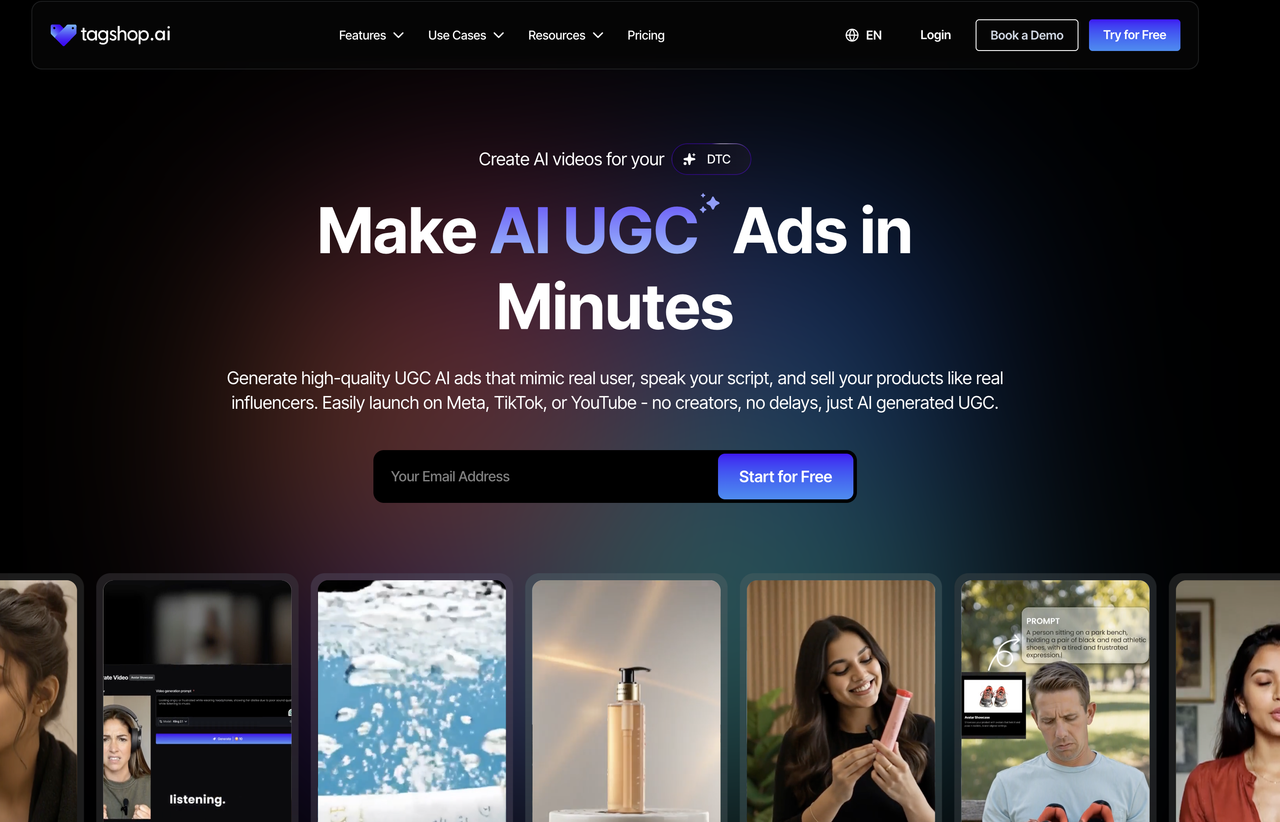
Tagshop AI is built by people who understand UGC ads. Every design decision, from the script style to the avatar poses to the rendering speed, is optimized for one thing: making ads that look like they came from a real customer's phone.
Why Tagshop Wins For Agencies
Product holding feature. This is Tagshop's killer feature. You provide a product image, and the AI avatar is composited to look like they're holding it while giving a review. This single feature creates a 10-15% authenticity bump compared to competitors. For e-commerce, this is huge.
First-person scripts. Tagshop doesn't generate corporate-sounding copy. It writes scripts that sound like "I tried this lipstick and honestly, I was shocked" instead of "This product features a proprietary formula with enhanced pigmentation." Real customers talk the first way.
Rendering speed is ridiculous. Tagshop generates a video in 2-3 minutes. Creatify takes 4-7 minutes. Invideo can take longer. For agencies A/B testing, this speed difference compounds. You finish testing in an afternoon instead of a day.
Batch creation is baked in. Starting from the Starter plan ($29/month), you can create videos in batches. Duplicate a project, change one hook or avatar, generate five variations, and you've got five tests running within 15 minutes. Competitors gate this feature behind premium tiers.
Localization at scale. 47 language support with lip-sync that actually works. For global agencies or DTC brands with international audiences, this is non-trivial.
The Reality Check
Tagshop is newer than Invideo. It has fewer avatars (50+ vs Invideo's 700+). If you need to test wildly different presenter personas, Invideo gives you more variety.
Also, Tagshop's entire DNA is UGC. It's not building animated explainers or corporate videos. If your agency needs a platform that does both, Tagshop only solves half the problem.
Pricing Reality
- Starter: $29/month (50 credits, basic avatars)
- Growth: $79/month (200 credits, premium avatars)
- Scale: $199/month (500 credits, custom creators)
For an agency running multiple client tests, the Growth plan is the sweet spot. You're generating 200 videos per month for about 40 cents per video. Try that with a freelance UGC creator.
3. Creatify
Best for: High-volume A/B testing, brands with clear product-feature priorities
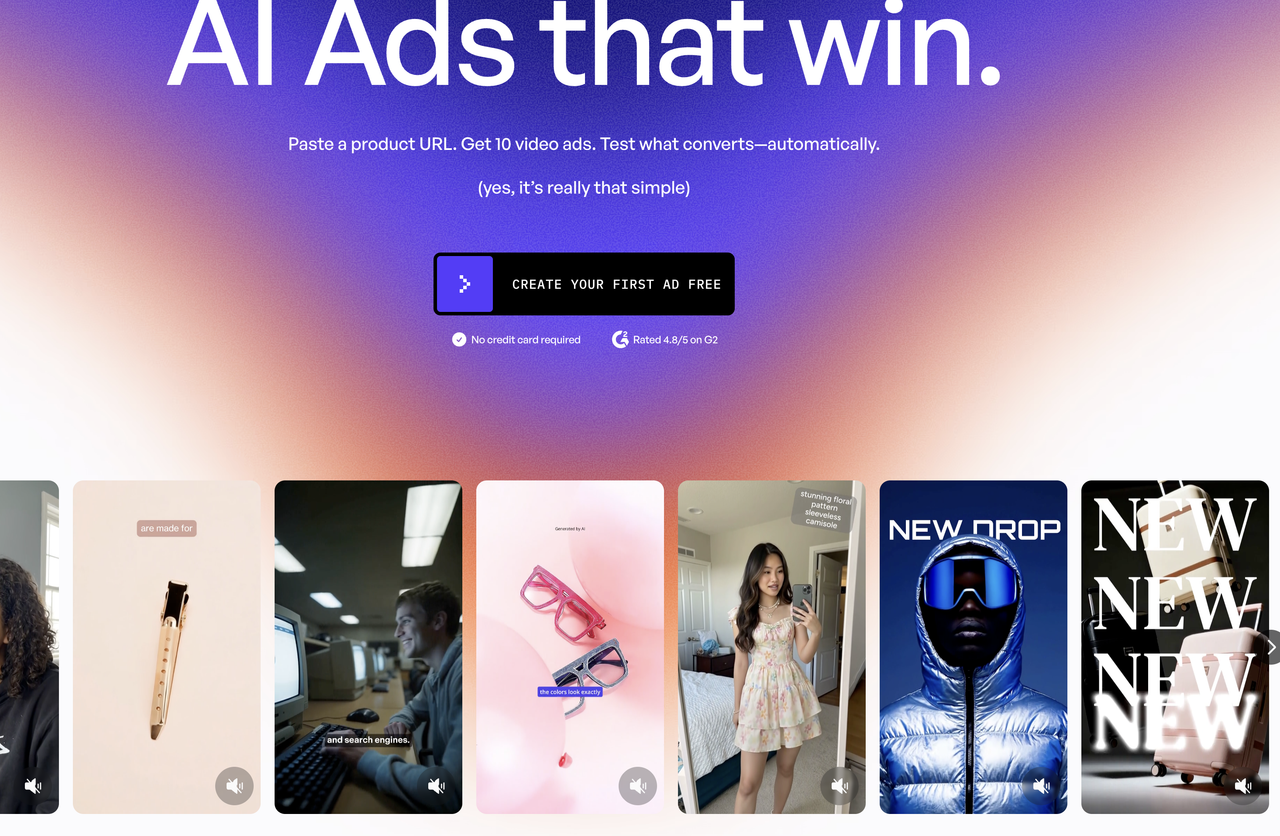
Creatify positions itself as "YouTube to UGC"—paste a product link, get automatic video variations in minutes.
What Makes It Work For Agencies
Smart product analysis. Creatify doesn't just pull product images. It parses descriptions, reviews, and key features, then generates scripts that emphasize these strengths. This saves your team the step of writing prompts for each variation.
Avatar diversity. 700+ avatars on the Pro plan means you can test presenter types: millennial, mom, professional, casual, skeptical, enthusiastic. Each avatar type resonates differently with different audiences.
Flexible templates and storyboards. Creatify generates not just one video but multiple templates showing different approaches: close-up demo, testimonial, problem-solution narrative, etc. You pick what fits your brand.
The Friction Points
The batch creation feature is locked behind the Pro plan ($49/month). The Starter plan ($19/month) gives you 100+ avatars but no batch mode. This is a deliberate upselling move, and it matters for agencies. If you're going to test 20 variations, you're forced into the higher tier, adding $30/month to your cost.
Also, Creatify's scripts skew slightly more commercial than Tagshop's. The tone is "product expert" rather than "friend giving a recommendation." It's still solid UGC, but not quite as organic-feeling.
Verdict
Creatify is strongest for brands where you have clear product angles to test. E-commerce is its playground. SaaS explainers? Less ideal.
4. MakeUGC
Best for: Agencies with strong brand guidelines, teams that want high customization
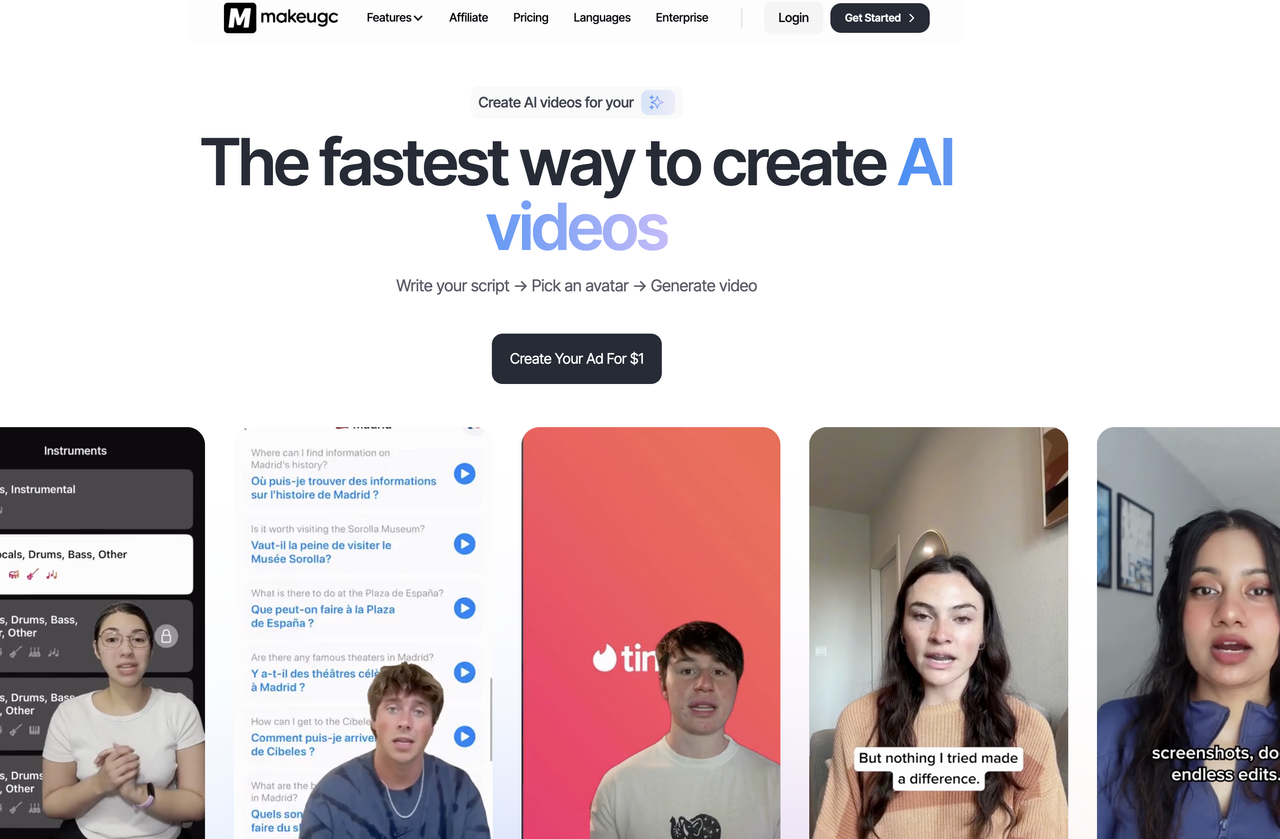
MakeUGC takes a different approach: instead of URL-to-video automation, it focuses on your avatar creation and brand kit enforcement.
The Differentiator
You can create custom AI avatars that match your brand's aesthetic. Choose skin tone, hair, clothing, even facial expressions. Then every video generated uses this consistent avatar, reinforcing brand recognition across all content.
The editing interface is form-based (no timeline juggling). Your brand kit applies automatically, fonts, colors, logos all locked in. This is huge for agencies managing multiple client accounts. Consistency becomes automatic instead of something you chase.
Speed and Quality
MakeUGC renders at 1080p in 6 minutes, 4K in 14 minutes. It's middle-of-the-road on speed but respectable. More importantly, the output quality is high—avatars look natural, not plastic.
Pricing is transparent: $49/month (Startup) to $399/month (Pro) with no overages, no surprise per-export fees.
Trade-offs
The avatar customization is powerful but requires more setup work upfront. If you're constantly creating avatars for different client accounts, the work compounds.
Also, MakeUGC isn't as optimized for pure UGC aesthetics as Tagshop. It's stronger for product videos and explainers where brand consistency matters more than authentic-messiness.
5. Zeely AI
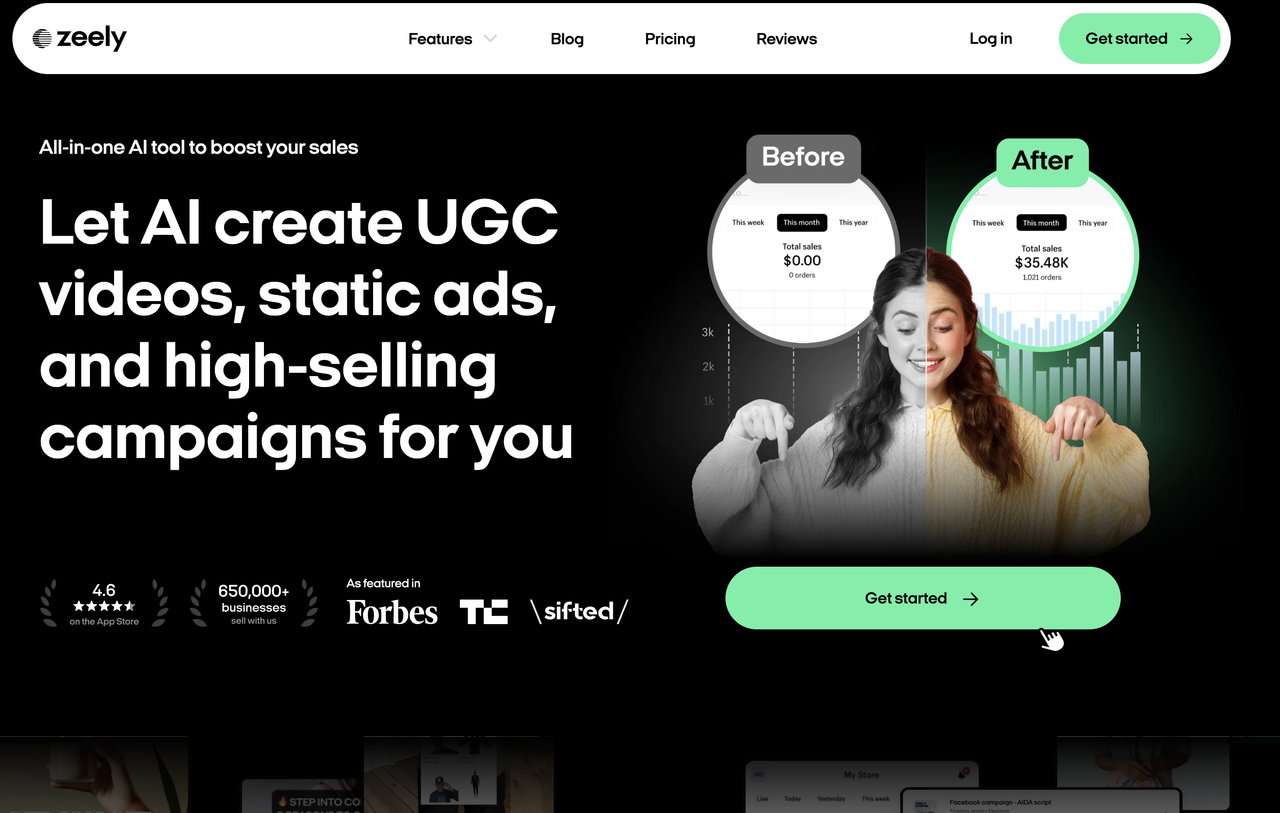
Best for: Teams that need video ASAP, mobile-first workflows
Zeely is built for velocity. You setup a video in 3 clicks, hit render, and get output in 90 seconds to 7 minutes depending on complexity.
The interface is drag-and-drop. No nested menus. No 8-step configuration processes. Just: pick template → add script → select avatar → generate.
Why It Works
For agencies under insane deadline pressure (launch tomorrow, creative tests due EOD), Zeely's speed is a game-changer. It's also solid for teams that live on mobile, with a mobile app that doesn't feel like a second-class citizen.
The pay-per-export pricing is attractive for freelancers and small agencies. You only pay for videos you actually use.
The Reality
Zeely's interface simplicity comes at a cost: less control. You can't customize avatars the way MakeUGC lets you. Rendering speed is fast because it's cutting corners on customization.
Also, it's still relatively new. Fewer integrations with ad platforms. Smaller avatar library. Support is weekday business hours only.
How Agencies Actually Implement AI UGC Workflows
Buying a tool is step one. Using it well is step two, and this is where most agencies stumble.
Start Small, Test Big
Don't roll this out agency-wide on day one. Pick one team, one client, one product. Create 20 video variations in a week. Analyze which ones drive the highest engagement. Document the winners.
This gives you a real data point instead of theoretical excitement.
Train Your Team (Seriously)
70% of marketing professionals report their employers don't provide AI training. Then they're shocked adoption stalls. Your team needs to understand:
-
How to write effective prompts (specificity matters)
-
How to analyze which videos perform (A/B testing frameworks)
-
Platform-specific optimization (TikTok's algorithm prefers verticals under 60 seconds; Instagram's vary by format)
-
Legal/ethical considerations (disclosure requirements, authenticity guardrails)
Set up internal workshops. Create a shared knowledge base.
Manage Client Expectations Around Authenticity
Some clients want "real UGC"—actual customers. Some are fine with AI as long as it's disclosed. Some don't care as long as conversions go up.
Have this conversation upfront. Document it. Explain that AI UGC isn't deepfakes or deception, it's a scalable way to generate authentic-looking testimonials that your team reviews and refines before shipping.
94% of consumers want AI content disclosed anyway. Transparency is your friend here.
Integrate Into Your Existing Stack
Don't create a parallel workflow. Integrate video generation into your normal asset creation process. If you use Monday.com for project management, link your UGC tool's outputs there. If you use Zapier or Make to automate workflows, set up a trigger that auto-uploads generated videos to your asset library.
Friction kills adoption. Seamlessness breeds it.
Challenges and Limitations
Authenticity vs. Scale Trade-off
The better an AI UGC tool gets at looking authentic, the slower it gets. The faster it gets, the more it looks "AI-generated." Every platform is trying to land the sweet spot. Most land somewhere in between.
This means you need human review. Not every AI-generated video ships as-is. Budget time for your team to watch samples, maybe request regenerations with tweaked prompts, and give final approval. This is still faster than traditional production, but it's not "set it and forget it."
Platform Detection Risk
TikTok, Instagram, and YouTube are all developing AI detection tools. There's regulatory pressure to label AI-generated content. If you're creating AI UGC and passing it off as organic user submissions without disclosure, you're taking a risk—both legally and algorithmically.
The smart approach: use AI UGC as a marketing tool, not a deception tool. Be transparent. The platforms are getting smart at detection anyway.
Consistency Across Channels
An AI UGC video that crushes on TikTok might flop on YouTube. Format matters. Pacing matters. Hook style matters. You can't just generate one video and push it everywhere.
Budget for slight customization per platform. The good news: regenerating variations is still faster and cheaper than traditional production.
Regulatory Uncertainty
California's AB3211 proposes marking synthetic content with "provenance data." Florida's HB919 requires AI political ads to include specific disclaimers. Europe's AI Act is still evolving.
The landscape is shifting. What's legal today might require disclosure tomorrow. Forward-thinking agencies are building compliance into their workflows now: documentation of human review, clear disclosure statements, records of which videos contain AI-generated elements.
The Cost of Integration
Not all UGC tools integrate seamlessly with your ad platforms. Some require manual uploads to TikTok Ads Manager. Some don't sync with Shopify. Some have spotty API documentation.
Before committing, check integration depth. Does it sync with your CRM? Your analytics platform? Your ad accounts? This friction multiplies when you're managing dozens of client accounts.
Choosing Your Platform
- If your agency needs: Speed + UGC authenticity for high-volume testing → Tagshop AI
You're doing 20+ tests per week and need to maximize velocity. Tagshop's rendering speed and batch creation are unmatched.
- If your agency needs: Versatility + avatar variety for multiple client types → Invideo AI
You're managing diverse clients (e-commerce, SaaS, services). You need a platform that handles product videos, testimonials, explainers, and educational content.
- If your agency needs: Custom brand control + professional polish → MakeUGC
You're building a signature style for your brand or client. You care about consistency across all creative assets. You want avatars that feel "on brand" rather than generic.
- If your agency needs: Simplicity + mobile-friendly workflows → Zeely AI
You're a small team under deadline pressure. You value interface simplicity over advanced customization. You're willing to sacrifice some control for speed.
The ROI Breakdown
Let's make this concrete.
Traditional approach: Hire a freelance UGC creator at $150-800 per video. Commission 10 variations. Cost: $1,500-8,000.
AI UGC approach: Subscribe to Tagshop Growth plan ($79/month). Generate 10 variations. Cost: ~$4.
The math is brutal. Even if you generate 200 videos per month (overkill for most agencies), you're paying $79. That's 39 cents per video.
But here's the thing: the time saved is worth more than the money saved.
With traditional production, your creative team spends 2 days coordinating with freelancers, reviewing first drafts, requesting revisions, and approving finals. With AI UGC, they spend 2 hours reviewing AI output, making minor tweaks, and hitting publish.
For agencies billing hourly, that's $300-400 in reclaimed labor per video. Multiply that across 20 videos, and you're looking at $6,000-8,000 in pure efficiency gains before considering the per-video savings.
Real data from campaigns: Brands using AI UGC report 28% higher engagement rates and 60% cost savings compared to traditional production. Some report 130% increases in click-through rates.
This isn't because AI UGC is better than real UGC. It's because AI UGC enables testing at scale. You can test 100 variations where you previously tested 5. Some of those 95 new variations convert 2-3x better than your baseline. That's where the ROI lives.
The Future
The UGC video space is moving at light speed.
Better authenticity: Avatar faces, lip-sync, and natural language are improving monthly. Within 12 months, expect AI avatars that are indistinguishable from real people to the average viewer.
Deeper platform integration: API connections between UGC generators and ad platforms will tighten. One-click publishing to multiple platforms will become standard, not premium.
Regulatory clarity: Disclosure requirements will crystallize. Instead of operating in ambiguity, platforms will build compliance into the core experience (automatic watermarks, disclosure banners, audit trails).
Consolidation: The fragmented UGC tool landscape will consolidate. 2-3 major players will dominate. Smaller tools will either get acquired or pivot to niches.
Quality vs. Speed: The competitive pressure will shift from "speed to first video" to "quality of batch workflows." Agencies will care less about 7-minute rendering and more about "can I generate 100 variations with minimal manual tweaking?"
Final Verdict
AI UGC video editors aren't the future. They're the present. Agencies that master these tools in the next 6 months will have a 6-month competitive advantage. Those that wait will find themselves playing catch-up.
Your choice isn't really whether to adopt AI UGC. It's which tool and when.
If I were running an agency right now, here's my move:
-
- Pick Tagshop if you're under deadline pressure and prioritize testing velocity.
-
- Pick Invideo if you're managing diverse clients and need versatility.
-
- Run a 4-week pilot with whichever tool you choose. Measure engagement, cost, and internal workflow friction.
-
- Double down on the winner. Scale it across your client roster. Use the cost savings to hire a "UGC strategist" who optimizes testing frameworks instead of replacing the team you have.
The agencies that win aren't the ones that fully automate. They're the ones that use AI to eliminate busywork so their humans can focus on strategy, analytics, and creative direction.
The tool is just the lever. How you use it is the game.
Share this playbook
Grow your business without guessing.
Weekly breakdowns of real businesses and their exact marketing strategies driving growth.
Read by 11,000+ founders & marketers.